Signature mechanic
Online: 404 Phone Guide
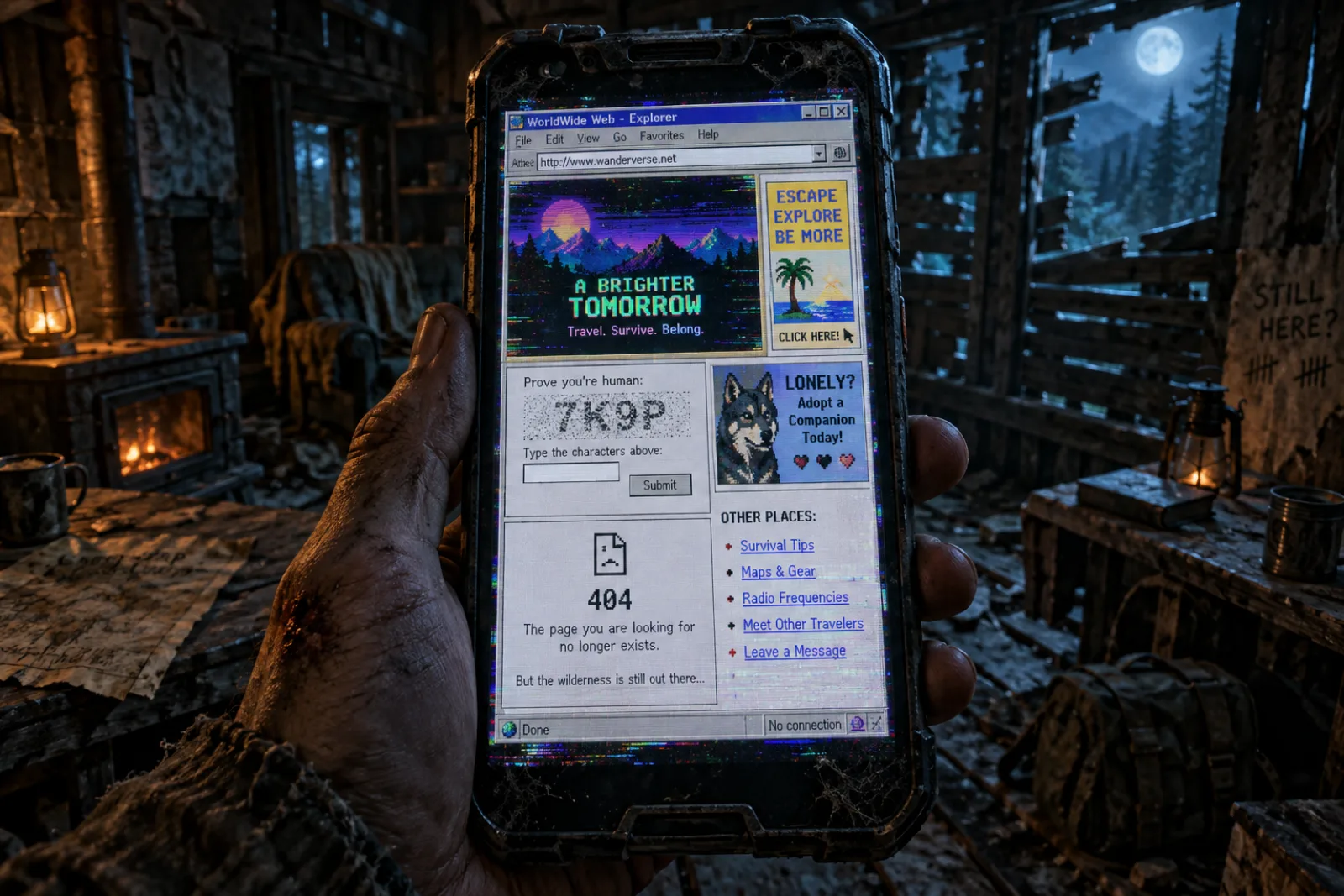
Your smartphone is the survival system. There is no recipe book and no skill tree — when you need to craft, repair or identify something, you look it up on the in-game internet, past the ads and the CAPTCHAs.
Post-launch: this guide will be fully updated within 48 hours of the Early Access release (Oct 16, 2026). Everything below is confirmed by the Steam page, official news posts and June 2026 demo reports; demo-era details are labelled and may change.
What the phone does (confirmed)
The Steam page describes the phone as "your best friend and your worst enemy". Confirmed functions:
| Function | What it's for |
|---|---|
| Map | Navigation across the Leminsgale District |
| Flashlight | Light in dark interiors and at night |
| Weather forecast | Timing expeditions around conditions |
| In-game internet | Searching for crafting recipes, repairs and survival knowledge |
| Mini-games | Present in the build; the set is planned to expand during Early Access |
| Ads & unreliable info | Part of the design — the in-game web is deliberately noisy |
In the demo, pulling out the phone was a single key press, and story contact (the mysterious Charlie) happens through phone messages.
The in-game internet is the crafting system
When you try something your character doesn't understand — opening an engine hood, using lockpicks — the game tells you to look it up online. You open the phone's browser, type a search, and read the article it returns. Official artwork shows a Google-style search box, and the developers have named the kind of searches you'll run: how to make something, how to fix a car, which mushrooms are safe to eat, how to butcher an animal.
The catch, straight from the official announcement: the in-game internet behaves like the real one. Expect advertisements, CAPTCHA checks and attention-grabbing junk between you and the answer — the CAPTCHA in the official screenshots asks you to prove you are "not a robot, not an AI, and not a cat that walks on the keyboard". And not every page it returns is trustworthy.
Crafting lives in the Notes app
A developer reply in the Steam forums (June 29, 2026) settled the most-asked demo question: the crafting menu is inside the phone's Notes app, not the workbench itself. Notes shows an indicator when you are near a workbench, and some recipes need that proximity. The developers admitted this was not obvious enough and said a short help system was being worked on.
Battery and charging
Demo-era reporting: in the June 2026 demo the phone battery drained as you used it — reading an online article cost a visible chunk of charge (reported around 10–25% depending on the page), and lootable power banks restored a partial charge. Numbers are from a pre-release build and are TBA for Early Access.
What this means in practice, whatever the final numbers:
- Loot power banks when you see them; tents, campsites and motels are worth checking.
- Don't leave the phone open idle — read, close, act.
- In co-op, split research: each player reads different articles and shares the answer, so the team spends less total battery.
- Base electricity (scavenged solar panels) is the long-term answer to charging at home. Exact charging mechanics at your shelter are not yet confirmed.
Why the phone is also a liability
The same device that holds your map and recipes also feeds you ads, dead ends and wrong answers. Treat every search result critically, expect CAPTCHAs to slow urgent research, and never assume the first article you find is accurate — the store page warns about unreliable information outright.
What's coming post-launch
The developers plan to expand the phone's mini-game selection during Early Access based on community feedback. Once the game unlocks, this page gains: exact battery costs, the full list of phone apps, charging options, and search keywords verified in the release build.
Where these facts come from
- Online: 404 on Steam (app 4094350) — phone functions (map, flashlight, weather, ads, unreliable information) and Early Access plans for phone mini-games.
- Official Steam news — the April 29, 2026 announcement describing in-game internet searches, ads, CAPTCHAs and attention hijacking; the June 29, 2026 forum reply confirming Notes-app crafting and the workbench indicator.
- June 2026 demo gameplay reports — battery drain, per-article costs, power banks, CAPTCHA examples (demo-era; subject to change).